Niche Finder
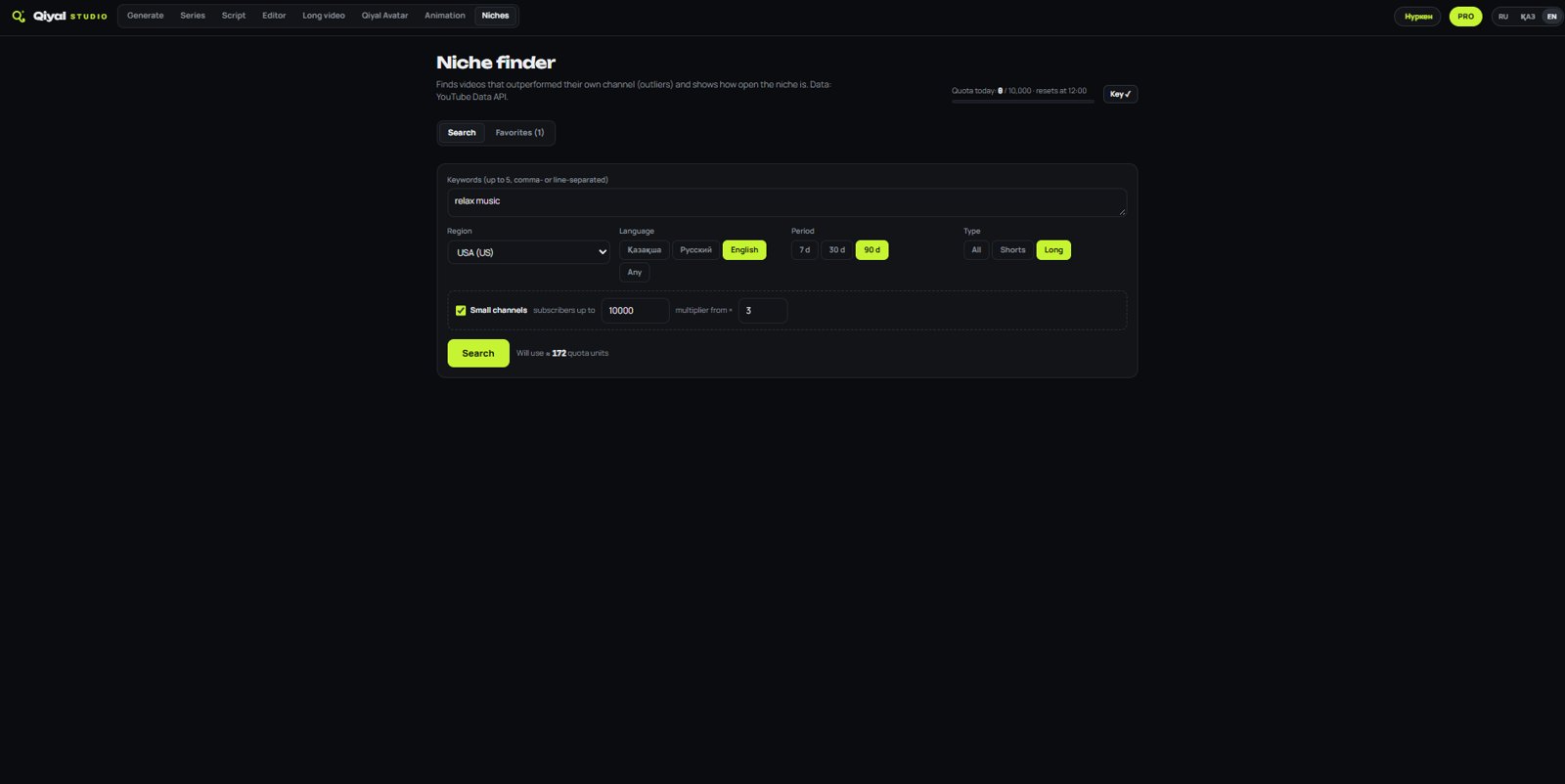
Find videos that outperform their channel and see how open a niche is for newcomers.
Qiyal Studio brings niche research, AI images, video, music, voice-over, consistent characters, editing and hour-long videos into one desktop app — instead of ten tabs and five subscriptions.
Works with your own AI provider API key (kie.ai). You pay the provider directly for generations.
Find an idea, generate, assemble and export — without moving files between services.
Find videos that outperform their channel and see how open a niche is for newcomers.
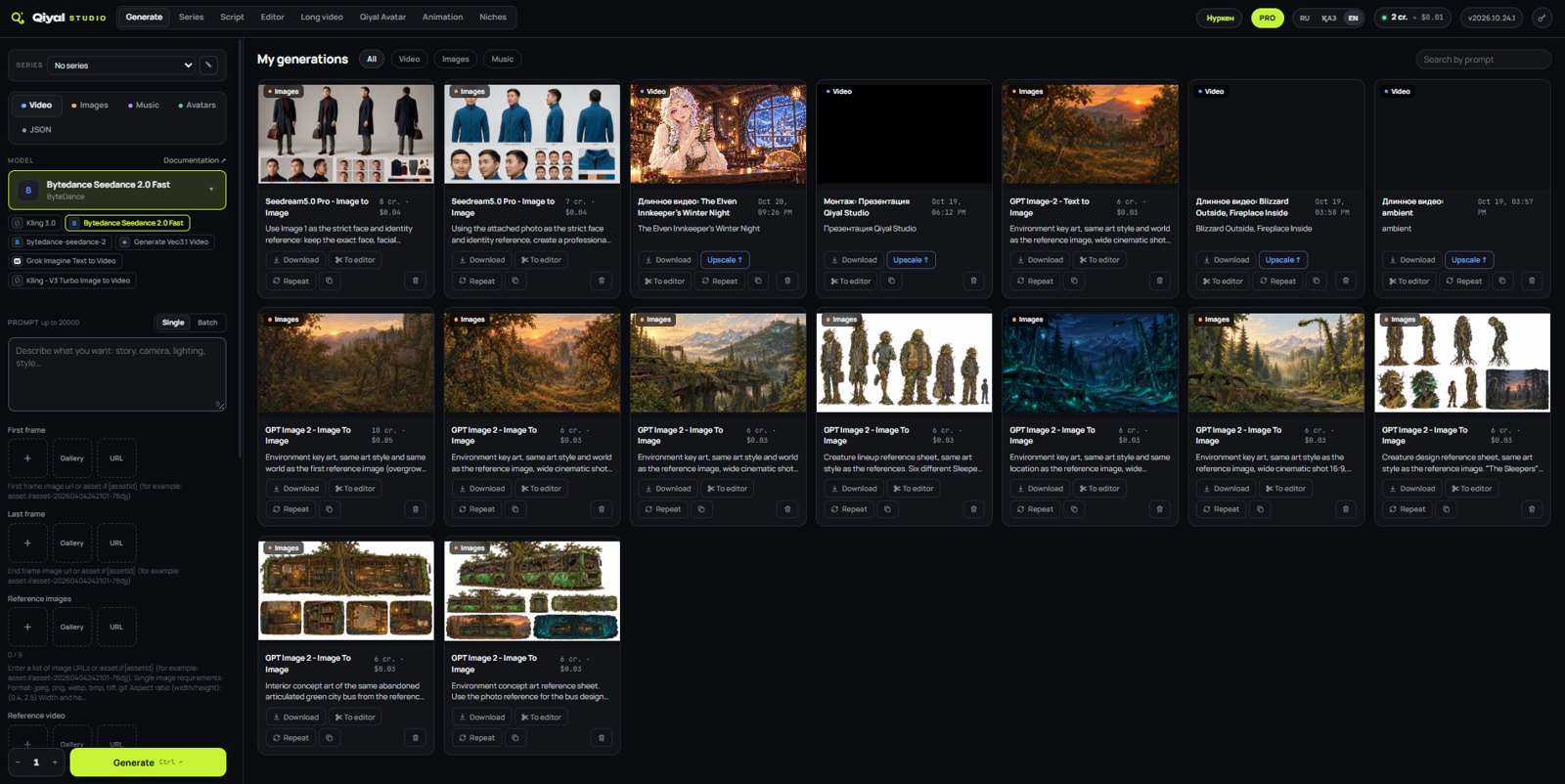
Dozens of image, video and music models with forms in plain language. See the price before you generate.
Turn a photo into a presenter that speaks your text with lip-sync.
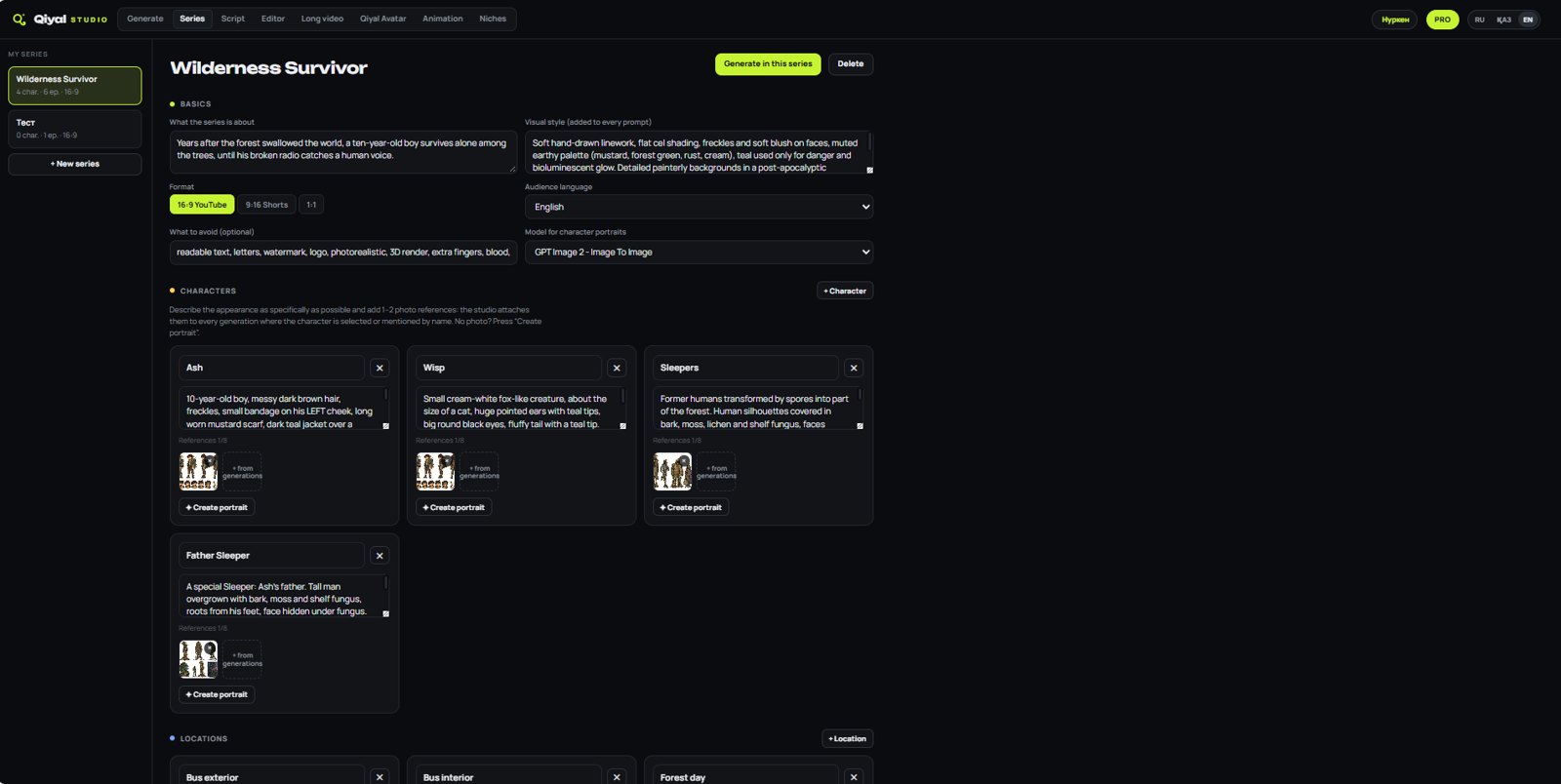
Define style, characters and locations once in a series passport. Heroes stay the same from shot to shot.
Write a script — the studio voices every line, draws a shot for each one and syncs them.
Animated intros, lower thirds, number facts and stickman explainers. Rendered on your computer, no credits spent.
Timeline, transitions, text, overlay layers, chroma key, masks, auto-subtitles and MP4 export.
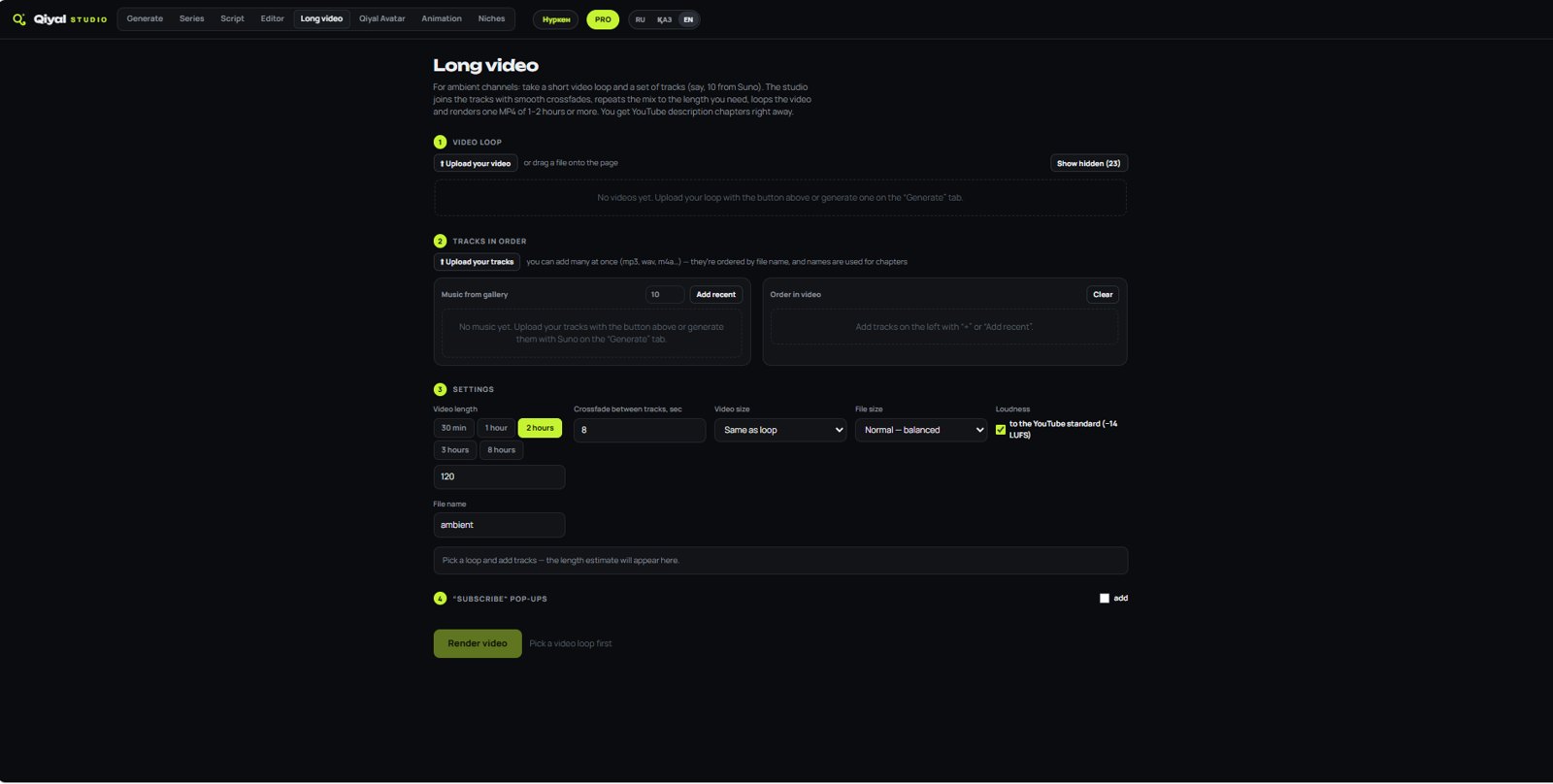
A video loop plus tracks become a 1–2 hour video, with chapters for the YouTube description.
Connect the studio to Claude and ask it to generate, edit and assemble videos — with a spending limit per request.
Screenshots from the current version. The interface is available in English, Russian and Kazakh.
Qiyal runs on your computer. Your projects and keys stay with you.
Download the installer for Windows 10/11. Everything needed for video is included.
Paste your own kie.ai key. Generations are billed by the provider at their prices, and Qiyal shows the price before each run.
Generate, assemble and export finished videos. All features are open during the beta.
Every feature is unlocked while Qiyal Studio is in beta. No license key, no watermark, no limits.
Windows 10/11 · 64-bit · ~75 MB
Qiyal Studio is free during the beta. If the app is useful to you, you can support its development. Support is voluntary and doesn't unlock any extra features.
Support via PayPal — any amount. Patreon is coming soon.
Support via PayPalTelegram channelYes. During the beta every feature is open to everyone, without a license key or watermark. If paid plans appear after the beta, we will announce it in advance, and what you created stays yours.
Yes. Qiyal uses your own API key from the AI provider (kie.ai), and generations are billed by the provider at their prices. Qiyal shows the price before each run. Qiyal Studio itself is free during the beta.
English, Russian and Kazakh. You can switch the language at any time in the top bar.
Windows 10 or 11 (64-bit) and an internet connection for AI generation. Editing, animation and export run on your computer.
You do. Rights to AI-generated outputs are also subject to the terms of the AI provider and the specific model you use.
Yes. The warning appears for new apps that are not yet widely downloaded. Click More info → Run anyway. The installer is downloaded directly from our official GitHub page.
Download Qiyal Studio for free — all features are open during the beta.